
 how-to
How to Test Business Data Backups: Step-by-Step
Table of Contents
- Why Untested Backups Are a Risk You Can't Afford
- Set Recovery Goals Before You Test Anything
- Your Business Backup Testing Checklist
- How Often to Test Data Backups by System
- Step-by-Step: Restore Files, Servers, and Applications
- How to Verify Data Backup Integrity After a Restore
- Build a Backup Recovery Test Plan Template
- Conclusion
- Frequently Asked Questions
Last Updated: October 21, 2026
Why Untested Backups Are a Risk You Can't Afford
A backup you have never restored is a guess, not a safety net, which is why you need to test business data backups.
Backups fail quietly: a drive fills up, a database export locks halfway, a cloud sync deletes the wrong folder. None of it shows up until you try to recover.
So how do you test business data backups without disrupting the workday?
Set Recovery Goals Before You Test Anything
You cannot pass a test with no pass mark. Before restoring a single file, define two numbers per system.
Recovery time objective (RTO) is how long the business can survive with that system offline. Recovery point objective (RPO) is how much data you can afford to lose, measured in time.
A front-desk scheduling system might need a four-hour RTO and one-hour RPO; a shared file drive might tolerate a day.
Write these down per system:
- System name and owner
- RTO and RPO
- Where the backup copy lives (on-site, cloud, off-site)
Without targets, "the restore worked" means nothing; with them, you get a clear pass or fail.
Your Business Backup Testing Checklist
A business backup testing checklist keeps the process consistent so results are comparable month to month. Most stop at "did the restore finish?", which says nothing about whether the data is usable or provable to an auditor. This one is built around measurable pass/fail criteria and retained evidence.
1. Confirm the job ran and the backup set is complete
- Verify the job finished without errors in the backup console or cloud portal.
- Confirm the restore point timestamp matches the one you intended.
- Pass: job status is success and the timestamp matches the expected schedule window.
2. Restore to an isolated alternate location
- Restore to a test folder, test VM, or isolated network segment, never over production data.
- For application tests, keep the restored system off the production network so it cannot reach live databases or identity services.
- Pass: restore completes without overwriting or mounting over live data.
3. Verify completeness
- Compare file counts and total folder sizes between the restored copy and the source.
- For databases, confirm row counts on high-value tables match within the expected RPO window.
- Pass: no unexplained gaps in file count, size, or row count.
4. Verify integrity and usability
- Open a sample of files from different dates and confirm they load and render correctly.
- For databases, run a consistency check and confirm the export loads into a clean instance.
- For email archives, open recent messages and attachments.
5. Verify application consistency and dependencies
- Start the restored application and confirm it connects to its restored database.
- Confirm logins work against the restored identity service or a test account.
- Check that integrations (payment processor, scheduling, line-of-business connectors) reconnect in test mode or fail gracefully.
6. Measure restore time against RTO
- Time the restore from start to usable state, not just to "copy finished."
- Pass: measured restore time is at or under the RTO you set for that system.
7. Validate ransomware-safe recovery
- Restore from an offline or immutable copy, not the same online repository the production systems write to.
- Scan the restored data with your endpoint protection before it touches the production network.
- Pass: the restore point is confirmed clean and the recovery path does not require reconnecting to potentially compromised infrastructure.
8. Record evidence and assign fixes
- Log date, tester, system, restore time versus RTO, pass/fail per step, and screenshots or logs of the restored data.
- Assign an owner and due date to every failed step.
- Pass: evidence is retrievable for an audit, insurer, or client questionnaire.
How Often to Test Data Backups by System
How often to test data backups depends on how much the system matters and how often it changes, no single schedule fits every business.
| System Type | Test Frequency | Why |
|---|---|---|
| Financial records | Monthly | High impact, frequent changes |
| Email archives | Quarterly | Stable, lower change rate |
| Databases | Monthly | Complex exports, prone to errors |
| File servers | Quarterly | Large volume, slower restores |
| Websites | After major changes | Content and config shift often |
A practical approach: quarterly testing for most systems, monthly spot checks on critical data. Test the systems that would stop revenue first.
Step-by-Step: Restore Files, Servers, and Applications
Restoring is where theory meets reality. Start small, then scale up, proving each layer works before you trust it in a real disaster.
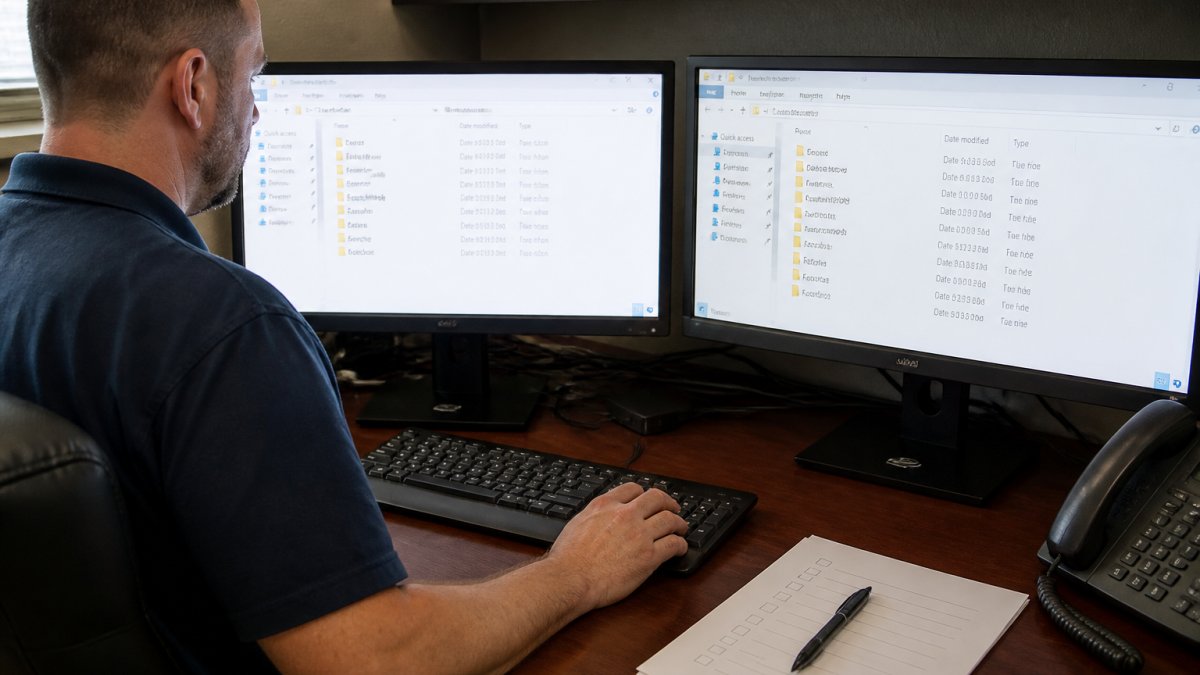
Restoring Individual Files to an Alternate Location
- Choose an easily identifiable file, like a recent invoice or spreadsheet.
- Restore it to a test folder, not its original path.
- Open it, confirm the content is complete, and compare it side by side with the original.
If the file opens but is empty or corrupted, the backup failed even though the job reported success. That gap is exactly why manual restoration checks matter.
Testing Full Server and Application Recovery
A full server restore proves you can rebuild a critical system from scratch. Do this in a test environment or isolated network, never on live hardware.
- Pick one critical system, such as a file server or line-of-business app.
- Restore the full server image to test hardware or a VM.
- Boot it and confirm the OS and services start.
- Check that the business application connects to its database.
- Time the process and compare it with your RTO.
Application-consistent recovery is the part most teams miss. A database that restores but will not open is not recovered. Test the application, its dependencies, and its logins together.
How to Verify Data Backup Integrity After a Restore
How to verify data backup integrity comes down to one question: does the restored copy match the original, and is it usable?
Integrity means the files are not corrupted. Completeness means nothing is missing.
Run these checks after every restore:
- Compare file counts and folder sizes between the restored copy and the source
- Open a sample of files from different dates
- For databases, run an export and confirm it loads
For email archives, confirm recent messages and attachments open; for websites, check that pages and images load. Automation helps, but a human still needs to open the files and confirm they work.
Build a Backup Recovery Test Plan Template
A backup recovery test plan template turns testing into a routine with owners, dates, and measurable outcomes. Most guides describe individual tests but never assign accountability, tie cadence to business impact, or specify what evidence to keep. This template closes those gaps and is built to be copied into a shared document and filled in per system.
Tier systems by business impact first
Before you schedule anything, sort every system into three tiers. This is how smaller teams focus limited testing time where it matters.
| Tier | Definition | Test cadence | Example systems |
|---|---|---|---|
| Tier 1, Revenue-stopping | Business cannot operate or bill without it | Monthly restore test, quarterly full application test | Financial/accounting system, line-of-business app, primary database |
| Tier 2, Operationally painful | Work continues but at reduced capacity | Quarterly restore test | File servers, email archives, scheduling systems |
| Tier 3, Recoverable from elsewhere | Tolerable downtime; data often reproducible | Semi-annual or after major changes | Websites, marketing assets, secondary archives |
Tier 1 systems get the tightest RTO and RPO and the most frequent testing. Tier 3 systems still get tested, just less often, so a silent failure does not sit undiscovered for a year.
Monthly calendar (rotate Tier 1 systems)
- Week 1: Restore one Tier 1 file set or database to an alternate location; verify completeness and integrity.
- Week 2: Application-consistency test, start the restored Tier 1 application, confirm database connection and logins.
- Week 3: Spot-check a Tier 2 system (email archive or file server) and confirm the backup job history is clean.
Ownership and coverage
- Name one accountable owner per system, the person who signs off on pass/fail, not just the person who clicks restore.
- Name a backup tester and a documented backup for that tester so vacations and turnover do not create blind spots.
- Escalation path: failed Tier 1 test goes to the business owner within one business day, with a remediation owner and due date.
Evidence to retain (audit-ready)
Keep evidence in one location with a retention period matching your compliance obligations (commonly one to three years for internal audit; longer if a regulation or contract requires it). For each test, retain:
- Date, tester, system, and tier
- Restore point timestamp tested
- Measured restore time versus RTO, and data loss versus RPO
This evidence set lets you answer a client security questionnaire, an insurer's cyber application, or an auditor's sample request without scrambling.
Ransomware-safe validation
Keep at least one backup copy offline or immutable, and test recovery from that copy, not from the repository production systems write to. A restore that depends on infrastructure the attacker already reached is not a recovery plan. Pair the technical test with a tabletop exercise: who declares an incident, who authorizes the restore, and how you confirm the restored environment is clean before reconnecting.
Worked example: a small professional office
A 25-person professional services firm has three Tier 1 systems: its accounting platform, its client management database, and its file server. It sets an RTO of 4 hours and an RPO of 1 hour for the accounting platform, and an RTO of 8 hours and an RPO of 4 hours for the file server.
- Month 1: Restore the accounting database to a test VM. Measured restore time: 2 hours 40 minutes (pass against 4-hour RTO). Row counts match within the 1-hour RPO window. Application starts and connects to the restored database. One integration fails to reconnect, logged, assigned to the IT lead, fixed before Month 2.
- Month 2: Restore a sample of client files to an alternate folder. File count and size match; all sampled files open. Restore time: 1 hour 15 minutes (pass against 8-hour RTO).
- Month 3: Full server restore of the client management database from the immutable copy, scanned before reconnecting. Consistency check passes; logins work against a test account. Restore time: 3 hours 50 minutes (pass).
That is the difference between a plan on paper and one that produces evidence, catches real failures, and repeats next quarter.
Conclusion
Testing backups is not glamorous, but it is the difference between a bad afternoon and a lost business. Set recovery goals, restore to a safe location, verify the data, and keep the evidence.
If you are not sure your current backups would actually restore, that uncertainty is the risk. LEAP TEK Solutions helps businesses identify their biggest technology risks and protect data through backup and recovery, with proactive support and no long-term contracts.
Get your free IT checkup and find out whether your backups would hold up when it counts.
Frequently Asked Questions
How do you test business data backups without disrupting operations?
Restore to an isolated environment instead of overwriting live systems. Set up a test network or sandbox, restore the backup copy there, and validate it against your pass/fail criteria. For full server tests, schedule them outside business hours or use a temporary virtual machine. Tabletop exercises, where your team walks through the recovery procedure without touching production, are a low-risk first step. Keep a written record of what was tested and the results so you can show progress.
How often should a business test its backups?
Match frequency to business impact. Critical systems such as financial records, databases, and email archives warrant quarterly full restore tests, with sample file restores monthly. Lower-impact systems can be tested twice a year. Any time you change backup software, add a new server, or migrate to cloud backup, run a test immediately. After a restore failure, retest within 30 days. Document the schedule with a named owner so it does not slip when things get busy.
What is the 3-2-1 rule and how does it affect testing?
The 3-2-1 rule means three copies of your data, on two different media types, with one copy off-site. Testing should confirm each copy is usable, not just the primary. Restore from the off-site or cloud backup copy at least once a year, because that is the copy you will rely on after a fire, theft, or ransomware event. If the off-site copy fails to restore, your disaster recovery plan has a gap that needs fixing before a real incident.
How do you verify restored files are complete and usable?
Compare file counts and sizes between the restore point and the original, then open a sample of files to confirm they load correctly. For databases, run integrity checks and a few test queries. For email archives, search for messages from the test date range. Record the results, including any errors, in your test log. A restore that completes without error messages can still be incomplete, so verification against expected data is the step that proves the backup actually works.