 ultimate-guide
Small Business Cybersecurity Checklist 2026
Table of Contents
- Why a Cybersecurity Checklist Still Matters in 2026
- Start With a Risk Assessment and Vulnerability Scan
- Lock Down Access Control and Multi-Factor Authentication
- Small Business Cybersecurity Best Practices for Everyday Operations
- Protect Data With Backups, Encryption, and Recovery Testing
- Build a Small Business Incident Response Plan Before You Need It
- The Small Business Cybersecurity Tools Worth Budgeting For
- Your Small Business Cybersecurity Checklist Template
- Frequently Asked Questions
Last Updated: October 19, 2026
Why a Cybersecurity Checklist Still Matters in 2026
A small business cybersecurity checklist in 2026 is no longer a nice-to-have document you file away after an annual review. It is the operating manual that keeps customer data, cash flow, and reputation intact when a phishing email lands or a laptop goes missing.
The threat landscape shifted in two directions this year. Ransomware operators now target mid-size and small operations precisely because they assume you lack monitoring.
That combination raises the stakes on fundamentals. A structured checklist forces you to answer uncomfortable questions: Who has admin access? When did we last test a restore? Do we know what we would do in the first hour of an incident?
Start With a Risk Assessment and Vulnerability Scan
The first step in any cybersecurity checklist is knowing what you actually have and what could hurt you. A risk assessment identifies your critical assets, the threats facing them, and the gaps in your current defenses. A vulnerability assessment then tests those systems for known weaknesses.
For most small businesses, the assessment does not require expensive tooling. It requires a structured inventory:
- List every device that touches your network, including personal phones used for email
- Map where sensitive data lives: customer records, payroll, proprietary files, financial accounts
- Identify who can access each system and with what level of permission
- Note external dependencies: cloud providers, payment processors, vendors with remote access
Once you have that map, scan your external-facing systems for missing patches and weak configurations. Free and low-cost scanners exist, but the interpretation matters more than the tool. A common mistake is treating the scan report as the finish line. The report is a starting point; the fixes are the work.
Lock Down Access Control and Multi-Factor Authentication
Access control is where most small business breaches begin. Multi-factor authentication, commonly called MFA, requires a second verification step beyond a password, and it remains the single highest-value control you can deploy.
Start with the accounts that matter most: email, banking, cloud storage, and your Microsoft 365 or Google Workspace admin console. Email deserves special attention because a compromised inbox lets an attacker reset passwords across every other service you use.
Apply the principle of least privilege at the same time. Most employees do not need admin rights on their workstations, and almost nobody needs global admin in your productivity suite. A practical sequence:
- Enable MFA on all administrative and financial accounts first
- Remove admin rights from daily-use accounts and issue separate admin credentials
- Audit inactive accounts and disable them
- Set a password manager so strong passwords become the default rather than the exception
Strong passwords still matter, but length beats complexity. A long passphrase stored in a manager outperforms a short string of symbols that gets reused everywhere. If your team is still sharing credentials in spreadsheets or chat threads, fix that before anything else on this list.
Small Business Cybersecurity Best Practices for Everyday Operations
Everyday cyber hygiene is less glamorous than incident response and more important than almost anything else.

Patch management tops the list. Software updates close the vulnerabilities attackers scan for, and unpatched systems are the most common entry point in small business compromises.
Secure configuration matters just as much. Default settings on routers, Wi-Fi access points, and cloud services often favor convenience over security.
Employee security awareness training deserves a standing slot on the calendar. Phishing and social engineering remain the most effective attack methods because they target people rather than software.
Endpoint security belongs here too. Every laptop and desktop should run reputable antivirus and endpoint protection, and that protection should be monitored rather than assumed.
Protect Data With Backups, Encryption, and Recovery Testing
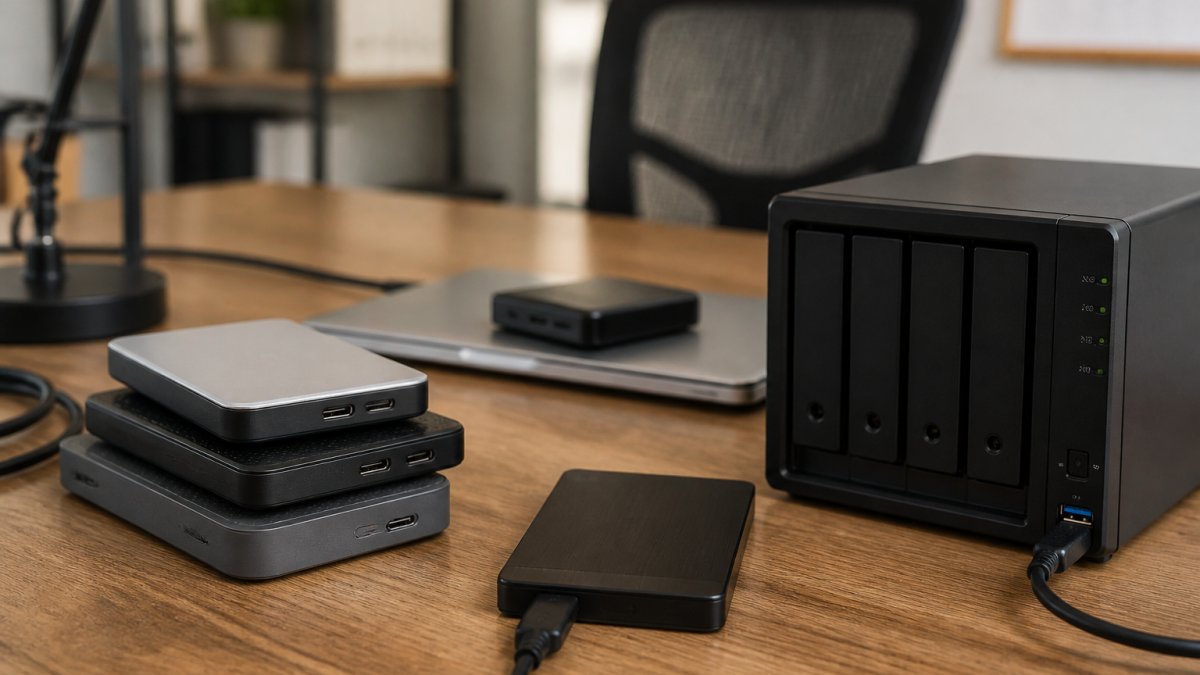
Data protection rests on three practices that work together: encryption, backups, and tested recovery. Encryption makes stolen data unreadable. Backups let you restore what ransomware or hardware failure destroys. Testing proves the backups actually work.
The 3-2-1 rule remains the standard: three copies of your data, on two different media types, with one copy stored offsite or in the cloud.
Encryption should cover data at rest and in transit. Full-disk encryption on laptops protects you when a device is stolen, and encrypted cloud storage protects sensitive customer and proprietary data if an account is compromised.
Backup testing is the step almost everyone skips. A backup you have never restored is a hope, not a plan.
Build a Small Business Incident Response Plan Before You Need It
A small business incident response plan is a short written document that tells your team what to do in the first hours of a breach, ransomware infection, or data loss event.
At minimum, the plan should answer five questions:
- Who leads the response, and who is the backup if that person is unavailable?
- How do we isolate affected systems without destroying forensic evidence?
- Who contacts legal counsel, your insurance carrier, and affected customers?
- What are our recovery objectives, and where are the restore instructions?
- How and when do we communicate internally and externally?
Incident response overlaps heavily with business continuity and disaster recovery planning.
CISA's incident response resources offer free playbook templates that small businesses can adapt without hiring a consultant. Adapting a template beats writing from scratch, and it beats having nothing at all.
Cyber insurance readiness deserves a place in this section. Most policies now ask detailed questions about MFA, backups, and endpoint protection before they will quote or pay a claim.
The Small Business Cybersecurity Tools Worth Budgeting For
The tools layer should follow the checklist, not lead it. Buying software before you have policies and training in place wastes money. Once those fundamentals exist, a focused budget covers the essentials.
| Layer | What It Does | Priority |
|---|---|---|
| Password manager | Stores unique strong passwords, enforces sharing controls | First purchase |
| Endpoint protection | Blocks malware and monitors devices for suspicious behavior | High |
| Cloud backup | Offsite copy isolated from your main network | High |
| Email security filtering | Catches phishing before it reaches inboxes | High |
| Security awareness platform | Delivers training and simulated phishing | Medium |
| Managed detection and response | Monitors for threats when you lack in-house staff | Medium to high |
For most small operations, the highest return comes from consolidating rather than stacking tools. A managed service provider can often cover endpoint protection, backup, monitoring, and patching under one arrangement, which reduces both cost and the number of dashboards nobody checks.
At LEAP TEK Solutions, we identify your biggest technology risks, then design backup and recovery around how your business actually operates. Because we work without long-term contracts, the relationship has to earn its place every month.
NIST's Cybersecurity Framework provides a voluntary, structured way to organize these controls, and it maps cleanly onto the checklist below.
Your Small Business Cybersecurity Checklist Template
Use this template as a working document. Print it, assign an owner to each line, and review it quarterly. A checklist with no owner is a wish list.
Access and accounts
- MFA enabled on email, banking, cloud storage, and admin consoles
- Admin rights removed from daily-use accounts
- Inactive accounts disabled and access reviewed quarterly
- Password manager deployed across the team
- Strong, unique passwords required for all business accounts
Devices and network
- Automatic updates enabled on all devices
- Endpoint protection installed and monitored
- Router and Wi-Fi default credentials changed
- Guest network separated from business systems
- Full-disk encryption enabled on laptops
Data protection
- Backups follow the 3-2-1 rule
- Restore tested in the last six months, with timing recorded
- Recovery time and recovery point objectives documented
- Sensitive data encrypted at rest and in transit
People and process
- Security awareness training scheduled quarterly
- Phishing simulation run at least twice a year
- Incident response plan written, printed, and accessible offline
- Vendor and third-party access reviewed annually
- Cyber insurance coverage reviewed against current controls
Emerging risk
- Policy on employee use of generative AI tools
- Verification step required for any payment or credential request
- AI-generated phishing covered in awareness training
That last block matters more each quarter.
If working through this list feels overwhelming, that is normal. Start with MFA, patching, and backups.
Most small businesses do not fail at cybersecurity because they ignored the problem. They fail because the checklist lived in someone's head, and that person left.
At LEAP TEK Solutions, we identify your biggest technology risks, design backup and recovery around your actual operations, and provide proactive support and monitoring without locking you into a long-term contract.
Get started with LEAP TEK Solutions and turn this checklist into a security posture you can actually verify. Request your free IT checkup and we will walk your environment with you.
Frequently Asked Questions
What should be on a small business cybersecurity checklist?
A practical cybersecurity checklist covers eight core areas: a risk assessment, multi-factor authentication on every account, strong passwords and a password manager, patch management and secure configuration, encryption for sensitive data, tested backups, employee phishing training, and a written incident response plan. Add vendor risk review and cyber insurance readiness as you mature. The checklist template in this guide orders these by cost and impact so you can work through them in sequence rather than all at once.
What are the biggest cybersecurity risks for small businesses in 2026?
Ransomware and phishing remain the top two, with social engineering now extending into AI-generated voice and email impersonation. Weak account security, unpatched software, and untested backups turn a single mistake into a full outage. Third-party and supply-chain risk is rising too: a breach at a vendor you share data with can expose your customer data without any attacker touching your network. Regular security reviews and employee training address most of these risks at low cost.
How can a small business improve cybersecurity on a limited budget?
Start with the free controls: turn on multi-factor authentication, apply software updates on a schedule, remove unused accounts, and set least privilege so staff only reach the data they need. Backups are the next priority, and cloud backup for a small office is inexpensive relative to a ransomware outage. Employee security awareness training and a one-page incident response plan cost little and reduce the most common failure point, which is a person clicking a link.
How often should a small business review its cybersecurity?
Run a full review at least once a year and a lighter check each quarter. Quarterly, confirm backups restore correctly, review who has admin access, and check that patching is actually happening. Annually, repeat the risk assessment, update the incident response plan with current contacts, and review vendor access. Any major change, such as new staff, a cloud migration, or a new payment system, warrants an immediate review rather than waiting for the calendar.
What should a small business do after a data breach?
Follow your incident response plan: isolate affected systems without destroying evidence, contain the account or device involved, and notify leadership. Change credentials for compromised accounts and check backup integrity before restoring. Document what happened and when. Then assess legal and notification obligations, engage your cyber insurance carrier early, and brief staff on what to watch for in follow-up phishing attempts. A post-incident review should produce specific fixes, not just a report.
How often should small businesses back up their data?
Back up critical data at least daily, and more often for financial records or customer systems where losing a day of work hurts. Follow the 3-2-1 approach: three copies, on two types of media, with one copy offline or immutable so ransomware cannot encrypt it. The step most businesses skip is testing. Restore a sample file or system monthly to confirm the backup actually works, because an untested backup is only a hope.