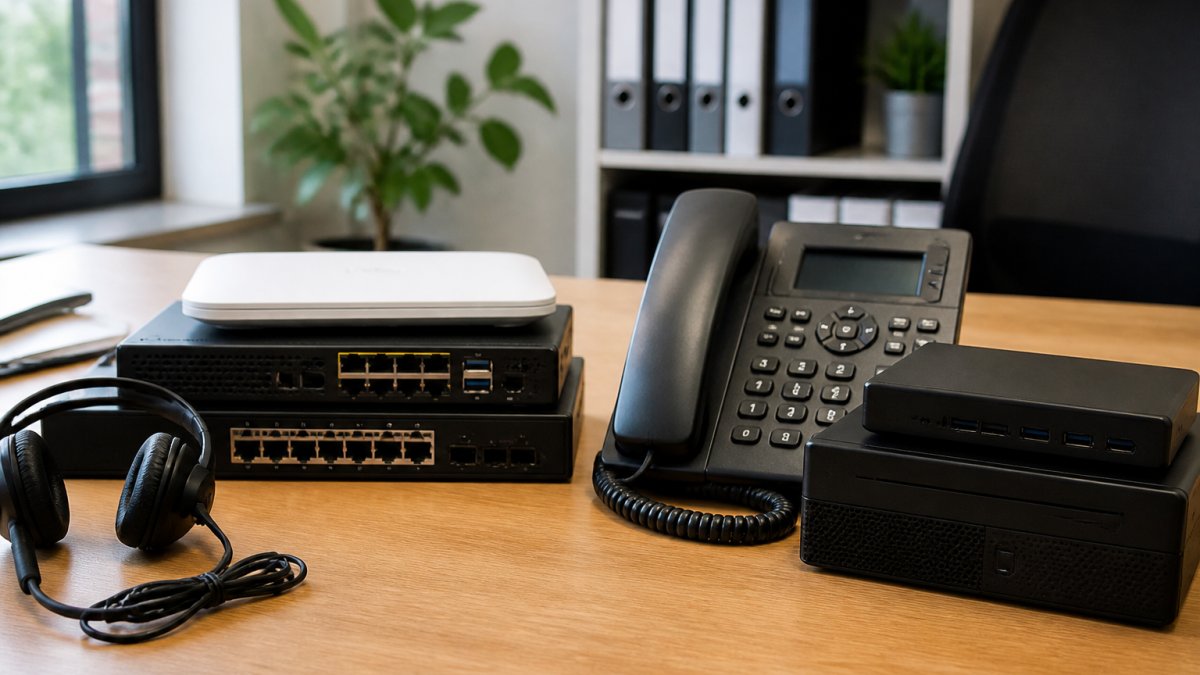
 blog
Are Affordable IT Support Plans Worth It for Growing Businesses?
Last Updated: October 28, 2026
Quick Summary
Affordable it support for growing businesses means buying the right coverage at a predictable monthly cost, not finding the cheapest vendor. Compare providers on what happens when something fails, and ask for a twelve-month cost estimate that includes any additional charges. Match your plan to your growth stage, from remote help desk at startup to full managed IT as you scale.
- Ask each provider to explain whether pricing is tied to seats, devices, or your server and network footprint.
- Request a twelve-month cost estimate in writing that includes onboarding, after-hours support, and license costs.
- Growing businesses of 10-30 staff typically need a flat-rate managed plan with monitoring and tested backups.
- Confirm response times are written into the service-level agreement, such as 15-30 minutes for critical issues.
- A free IT checkup can review your environment and identify risks before you sign any agreement.
Table of Contents
- Why Affordable IT Support for Growing Businesses Is a Budget Decision, Not a Bargain Hunt
- What Managed IT Services Pricing Actually Covers
- IT Support Plans for Small Businesses: Matching Coverage to Your Growth Stage
- The IT Support Provider Checklist Every Buyer Should Bring to the First Call
- Small Business Cybersecurity Services: What You Actually Need to Buy
- Service-Level Agreements: The Response Times That Separate Real Support from a Phone Tree
- When to Outsource IT Support Instead of Hiring In-House
- Book Your Free IT Checkup Before You Sign Anything
- Frequently Asked Questions
Why Affordable IT Support for Growing Businesses Is a Budget Decision, Not a Bargain Hunt
Affordable IT support for growing businesses is not about finding the cheapest vendor. It is about buying the right coverage at a predictable monthly cost so a single outage or failed drive doesn't wipe out a quarter's profit.
The math matters more than the sticker. A server that dies on a Friday, a Microsoft 365 tenant set up wrong two years ago, a backup nobody has tested: each turns a "cheap" plan into an expensive week. Affordable means cost-efficient over twelve months, not lowest cost this month.
What Managed IT Services Pricing Actually Covers
Managed IT services can cover monitoring and maintenance, help desk support, security controls, and backup with recovery. What to expect depends on the provider and the scope of service.
Most owners compare providers on the monthly number alone. The better question is what happens when something fails at 4:45 on a Friday, and whether that call is inside the plan or a billable event.
The Four Cost Drivers Behind Every Quote
When reviewing a managed IT quote, ask the provider to explain its pricing:
- Seats (users) vs. devices. Some providers price per user, some per workstation and server, some per user with a device allowance. A 20-person office with 26 devices can be quoted three very different ways. Ask which unit the price is tied to and what happens when the count changes.
- Server and network footprint. Firewalls, switches, access points, and on-prem servers carry more monitoring and patching load than endpoints. Ask how the quote accounts for your network gear.
- Security scope. Ask which security controls are included and how they are described in the quote.
- Backup scope and retention. Ask what is backed up, how often, how long it is retained, and whether recovery testing is included.
Flat-Rate vs. Per-Device vs. Break-Fix Pricing
Common pricing models for small business IT support include:
- Flat-rate (per user or all-inclusive): one monthly cost for a defined scope.
- Per-device: you pay per workstation or server covered.
- Break-fix: you pay when something breaks.
Hidden Fees That Blow Up Monthly IT Costs
Ask whether the quote includes any additional charges, and request details in writing:
- Onboarding and setup. Ask whether there is a charge and what it covers.
- After-hours and weekend support. Ask whether support outside stated business hours is available and how it is billed.
- Project work outside the plan. Ask which work is outside the plan and how it is priced.
- Software and license costs. Ask whether software or licenses are included or billed separately.
- User and device changes. Ask whether adding or removing users or devices affects the bill.
- Contract exit and data return. Ask about the offboarding process and any related fees.
To learn more about LEAP TEK's managed IT services, explore LEAP TEK managed IT.
IT Support Plans for Small Businesses: Matching Coverage to Your Growth Stage
When considering IT support, assess your current needs and the coverage being offered.
| Growth Stage | Typical Need | Plan Focus |
|---|---|---|
| Startup (1-10 staff) | Basic email, devices, file access | Remote help desk, cloud email, endpoint protection |
| Growing (10-30 staff) | Onboarding, shared systems, first real security risk | Flat-rate managed plan, monitoring, tested backups |
| Established (30-75 staff) | Compliance pressure, multiple locations | Full managed IT, vendor coordination, IT strategy |
| Scaling (75+) | Dedicated oversight, budget planning | Managed IT plus technology leadership and planning |
The IT Support Provider Checklist Every Buyer Should Bring to the First Call
Bring a written checklist to the first call.
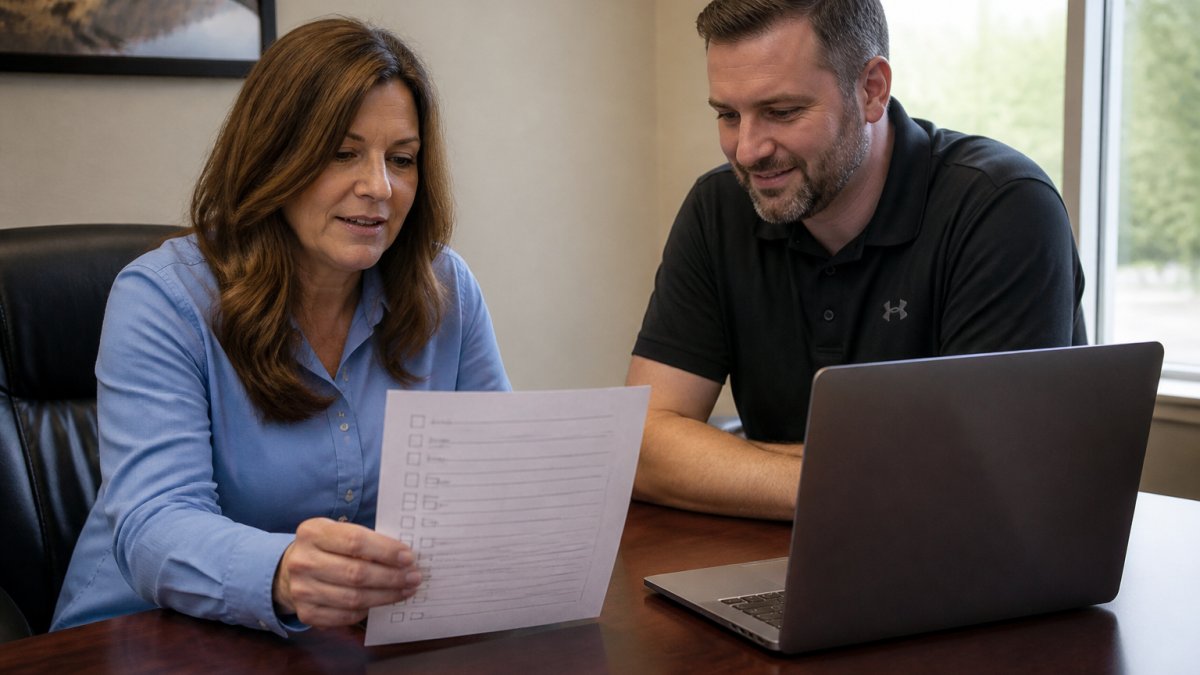
Use this one:
- What is your average response time, and is it written into the agreement?
- Is support remote only, or do you provide on-site support when needed?
- What exactly is included, and what gets billed as a project?
- How do you handle onboarding and transition from our current setup?
- Can you show a sample service-level agreement before we sign?
- What happens if we need to leave, and is there a long-term contract?
- Who actually answers the phone, and where are they located?
- How do you test backups, and how often?
Small Business Cybersecurity Services: What You Actually Need to Buy
Cybersecurity planning can include reviewing the protections relevant to your business. LEAP TEK Solutions identifies technology risks and provides cybersecurity services.
To help scope your cybersecurity needs, use a practical small business cybersecurity checklist.
Ask how backup and recovery are handled and what information is available about them.
Service-Level Agreements: The Response Times That Separate Real Support from a Phone Tree
A service-level agreement (SLA) can define service commitments in writing. Review any agreement to understand what it covers.
Review the agreement's stated commitments, priorities, and remedies.
The Numbers to Look For
Review any stated response-time, resolution, or uptime commitments and clarify what each one means.
- Critical (system down, no workaround): response within 15-30 minutes during business hours, with a stated resolution target measured in hours.
- High (major function impaired, workaround exists): response within 1-2 business hours.
- Normal (single user or minor issue): response within 4-8 business hours.
- Low (requests, changes, questions): response within one business day.
What a Real SLA Also Covers
Response times are the headline. The rest of the agreement is what protects you when something goes wrong:
- Business hours definition. Ask how the agreement defines business hours and whether it covers support outside those hours.
- Escalation path. Ask how to escalate an issue that is not being resolved.
- Uptime commitment. Ask whether the agreement includes an uptime target and what happens if it is missed.
- Reporting. Ask whether service reporting is available and what it includes.
- Exclusions. Review any exclusions in the agreement.
- Termination for cause. Ask what options the agreement provides if service commitments are not met.
For more on proactive and reactive IT support, read this guide to proactive versus reactive IT support.
When to Outsource IT Support Instead of Hiring In-House
Outsourcing IT support is one option to consider when assessing how to meet your business's technology needs.
If flexibility is your worry, this guide to IT support without long-term contracts explains how month-to-month arrangements work before you commit.
Book Your Free IT Checkup Before You Sign Anything
Before you sign any agreement, get an independent read on what you actually have. A free IT checkup can help you review your technology environment and identify potential risks.
At LEAP TEK Solutions, we built our service around that idea: no contracts, no obligation, responsive local service, and solutions designed around how your business works. We identify your biggest technology risks and protect your data through backup and recovery.
Request your free IT checkup and learn more about your IT environment.
Frequently Asked Questions
How much does IT support cost for a small business?
Pricing depends on the provider and the scope of service, so ask for a written quote. Get the details of the proposed services and any charges in writing.
Is managed IT support more affordable than hiring an in-house IT team?
The answer depends on your business's needs and the costs of each option. Compare the scope of support and the associated costs before deciding.
Can a small business get IT support without a long-term contract?
LEAP TEK Solutions offers services without long-term contracts. Ask about the agreement's terms, any fees, and what happens to your data and documentation if you leave.
What should I ask an IT support provider before signing?
Bring a checklist: what the service agreement commits to, what services are included, how backup and recovery are handled, and what the offboarding process looks like.
The challenge is simple: most owners can't tell a fair IT quote from an expensive one because nobody has shown them what they actually have. LEAP TEK Solutions fixes that first, with proactive support and monitoring, reliable networks, and backup and recovery built around your business, all without long-term contracts. Get started with LEAP TEK Solutions and know exactly what you're paying for before you sign.